By BeantownBot.com — Boston’s field guide to the intelligence age
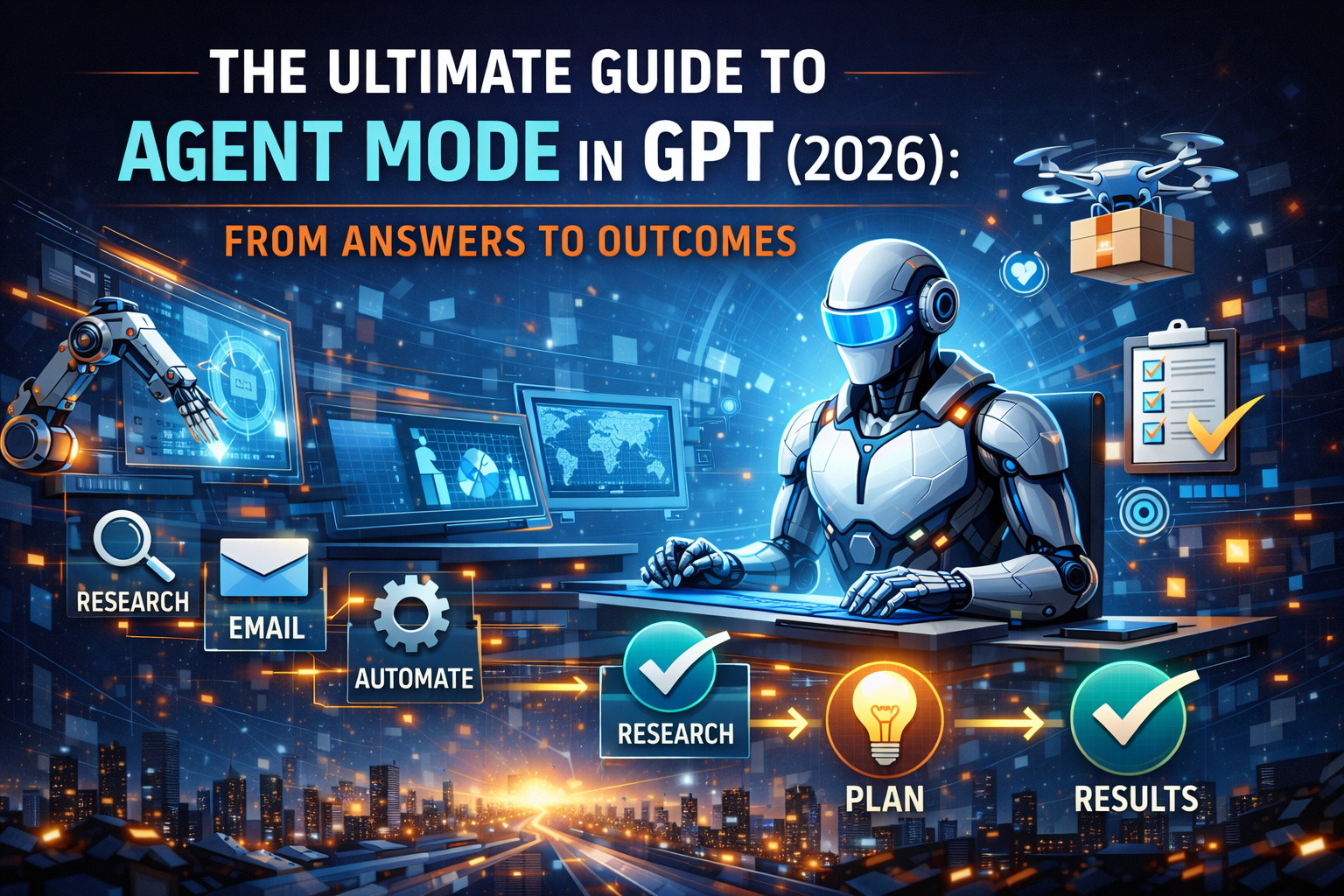
The Ultimate Guide to Agent Mode in GPT (2026): From Answers to Outcomes
Why this guide exists
Most AI articles tell you that “agents are the future.” This one shows you how to make them your present—safely, measurably, and profitably. We’ll define Agent Mode clearly, show the best real-world use cases, give you copy-paste prompt frameworks, and a 30-day rollout plan you can run inside a team.
What is Agent Mode—really?
Simple chat gives you text back.
Agent Mode gives you done work back.
An agent:
- Understands a goal (not just a single instruction)
- Plans the steps to reach that goal
- Acts across your tools (docs, email, calendars, data, web)
- Reports what it did, asks for help when needed, and repeats on schedule
The leap isn’t bigger answers—it’s outcomes.
Mental model: “project manager + API hands”
Think of Agent Mode as a junior project manager with API-level dexterity. You provide:
- Goal: the “definition of done”
- Scope & guardrails: where it may act and where it must ask
- Tools: what it can touch (files, calendars, email, knowledge bases)
- Cadence: when it runs (now, hourly, daily, weekly)
It provides:
- Plan → Actions → Artifacts → Brief summary & receipts
What’s new vs. yesterday’s assistants
- From answers to deliverables: slides, briefs, CSVs, emails, tickets
- From one-shot to scheduled: recurring summaries, pipeline upkeep
- From copy/paste to API actions: reading/writing in your workspace
- From black box to narration: step-by-step logs for review/control
Where Agent Mode shines (best use cases)
Below are “sweet spots” where agents routinely beat manual effort. Grab the playbooks and prompts as is.
1) Founder/Operator cockpit
- Morning brief (email + industry + competitors)
- Investor update prep with metrics and highlights
- Hiring pipeline triage (screen, schedule, reject with empathy)
Prompt skeleton
Goal: Produce a 2-page founder brief by 7:30 a.m.
Inputs: New emails, calendar, saved competitor feeds, revenue dashboard exports in/ops/metrics/.
Deliverables: Page 1: 5 bullets on risk/opportunities; Page 2: KPIs with WoW deltas, 3 actions.
Guardrails: Draft replies; never send without review. Attach sources at bottom.
2) Analytics & FP&A
- Weekly KPI roll-ups, anomaly flags, chart packs
- “Board packet” first drafts
- Forecast refresh from latest CSVs
KPI watcher (copy-paste)
Monitor
/data/kpis/current.csv. Each Friday 3pm:
- Clean and validate;
- Create line charts for revenue, CAC, churn;
- Write a 1-page exec summary with 3 notable changes and likely causes;
- Export
board_pack_draft.pptxwith 5 slides;- Post a brief in #leadership with a link.
3) Sales & Marketing
- Lead research briefs (company, tech stack, recent news)
- Campaign iteration (ad variants, UTM analysis, weekly winners)
- Organic content pipeline: topics → outlines → drafts → snippets
Cold-outreach research
For each new lead in
/crm/new_leads.csv, produce a one-pager: company snapshot, recent news (≤30 days), competitor angle, 2 hypotheses for value, 3 email subject lines. Save under/sales/briefs/{company}.md.
4) Engineering & Product
- Nightly codebase audit for high-risk diffs
- Grooming tickets from error logs
- Release notes and docs from merged PRs
Release notes assistant
Each time
mainmerges: generateRELEASE_NOTES.md(features, fixes, known issues), draft user-visible notes (≤120 words), and open a doc PR for review.
5) Education & L&D
- Personalized practice sets, weekly mastery reports
- Quiz generation aligned to standards
- Accessibility passes on courseware
Classroom loop
Each Friday: analyze quiz results in
/class/assessments/. For each student: 10 adaptive practice items, 1-paragraph feedback, and a parent-friendly summary (≤120 words). Export PDFs to/class/next_week/.
6) Healthcare admin (non-clinical)
- Appointment orchestration and reminders
- Eligibility/claims paperwork prep
- Weekly compliance checklists with audit trails
Reminder cadence
72/24/2-hour SMS reminders, include location+prep steps from the patient’s appointment notes; log delivery status to
/admin/reminders.csv.
7) Legal & Ops
- Contract intake → clause extraction → risk summary
- Policy diffs (“what changed” since last revision)
- Discovery set skimming with source linking
Contract triage
When a new PDF appears in
/legal/inbox/, extract parties, term, renewal, termination, governing law, NDA scope, indemnity; produce a risk heatmap (low/med/high) with quotes and page refs.
The “Agent Design Brief” (use this template)
Copy, fill in, reuse. This is the single most important habit for reliable agents.
1) Purpose
What outcome matters? (e.g., “Weekly KPI pack ready for review.”)
2) Inputs & access
Exact folders, dashboards, APIs, or knowledge bases.
3) Tools it may use
Files, email draft, calendar read/write, spreadsheet edit, browser read-only, etc.
4) Deliverables
File names, formats, sections, and acceptance criteria (“Done when…”).
5) Guardrails
When to ask permission, rate limits, privacy rules, words to avoid.
6) Cadence
One-shot vs scheduled. If scheduled, day/time and timezone.
7) Logging & receipts
Where to store logs, what to summarize at completion.
Guardrails that prevent pain
- Human-in-the-loop on send/post/commit: draft first, you approve.
- Least privilege: read what it needs, write where it’s safe.
- Rate limits on outbound actions (emails, tickets).
- Private data fences: specify what the agent must not access.
- Receipts: every run posts a 3–7 line “what I did + links” summary.
- Versioned artifacts: never overwrite; stamp with
YYYY-MM-DD.
Cost control & ROI
Track (hours saved × hourly cost) − (agent + compute cost).
Add: error cost avoided (missed deadlines, data issues).
Common wins after 30 days:
- Reporting prep time ↓ 70–90%
- Content throughput ↑ 2–5×
- Meeting prep time ↓ 60–80%
- Lead research time ↓ 80–95%
The 30-Day rollout plan (team-ready)
Week 1 — One high-leverage task
Pick the biggest time sink (email triage, meeting prep). Write the Agent Design Brief. Run daily, instrument results.
Week 2 — Two recurring workflows
Add a weekly KPI report and a content or ticketing pipeline. Turn on receipts and a lightweight review ritual.
Week 3 — Share and expand
Expose outputs to the team (#ops-brief, #eng-release-notes). Add read-only access to one more system.
Week 4 — Review & scale
Measure hours saved, error rate, rework. Tighten guardrails, raise scope carefully (e.g., calendar writes after a week of correct drafts).
Prompt library (copy-paste and ship)
Morning Brief
By 7:30 a.m. ET, produce a founder brief: (1) 5 bullets on risks/opportunities from today’s emails and calendar; (2) competitor/news highlights from my saved feeds; (3) 3 recommended actions with owners. Draft replies but do not send. Save
founder_brief_{YYYY-MM-DD}.mdand post a 5-line summary in #leadership.
Meeting Prep
For each meeting today: gather agenda, last notes, recent public info on attendees/companies (≤30 days). Produce a 1-page brief + 2 slides. Store in
/meetings/{date}/{title}/.
Weekly KPI Pack
Every Friday 3pm ET: clean
/data/kpis/current.csv, compute WoW/YoY deltas, generate 4 charts, draft a 2-page exec summary with 3 notable changes, exportboard_pack_draft.pptx. Log steps to/logs/kpi/{date}.txt.
Editorial Pipeline
Each Tuesday: find 5 trending AI topics with evergreen angles, draft a 2,000-word post with H2/H3s, suggest 3 internal links to BeantownBot, and generate 5 social snippets (LinkedIn/Twitter). Save Markdown and snippets under
/editorial/{YYYY-MM-DD}/.
Research Tracker
Monitor new publications on “AI safety” and “AI ethics.” Daily: summarize abstracts into 5 bullets; Friday: produce a 1-page digest with a citations table (title, venue, date, link).
Personal Concierge
Every Sunday at 5 p.m. ET: scan next week’s calendar, flag conflicts, propose two 90-minute focus blocks, and suggest one local social activity based on past choices. Draft calendar holds; require approval to add.
Failure modes (and fixes)
- Hallucinated facts → Require source links; reject summaries without citations.
- Over-eager actions → Draft only by default; separate “approve & send” step.
- Privacy leaks → Enumerate “forbidden folders” and PII rules in the brief.
- Flaky data → Add schema checks and fallbacks; fail gracefully with a clear alert.
- Scope creep → Re-state the goal and acceptance test at the top of every run.
Buy vs. build: a quick decision tree
- You mainly want briefs, drafts, and summaries? Start with built-in Agent Mode + your storage/connectors.
- You need deep system control and custom tools? Wrap Agent Mode with your own connectors or a lightweight middleware.
- You have strict compliance or air-gapped data? Use a private instance and restrict tools aggressively; log everything.
Ethics & governance (practical version)
- Consent: teammates know where agents operate.
- Attribution: label agent-authored drafts.
- Equity: personalize support without penalizing language or disability.
- Audit: keep runnable logs and source trails for every deliverable.
- Kill-switch: one command to pause all scheduled runs.
What success feels like
- The day starts with a brief, not an inbox.
- Reports shift from manual assembly to review and decision.
- Meetings become discussions, not status recitations.
- Content pipelines run on cadence, not caffeine.
That’s the operating system of the intelligence age.
Related reading on BeantownBot
- AI in Cybersecurity: Friend or Foe?
- AI in Healthcare: The Coming Transformation of Clinics and Patients
- AI in Education: Can Machines Teach Better Than Humans?
- Building AI Blogging Systems That Scale
- AI Supply Chains: The Future of Fleet Optimization